prom
ProductSystemWorkflowsWhy PROMPricingDocs
Sign inGet started

The AI-native operating system for product development

One workspace
for your team and AI agents.

From idea to launch, your agents work from the same plans and decisions as your team.

Get startedBook a demo

How it works

From scattered notes to a launched product.

Agents draft each phase. You decide how much they apply on their own.

A short animation. A team's scattered notes gather into one PROM workspace and become a plan the team follows to launch.

01 · The workspace
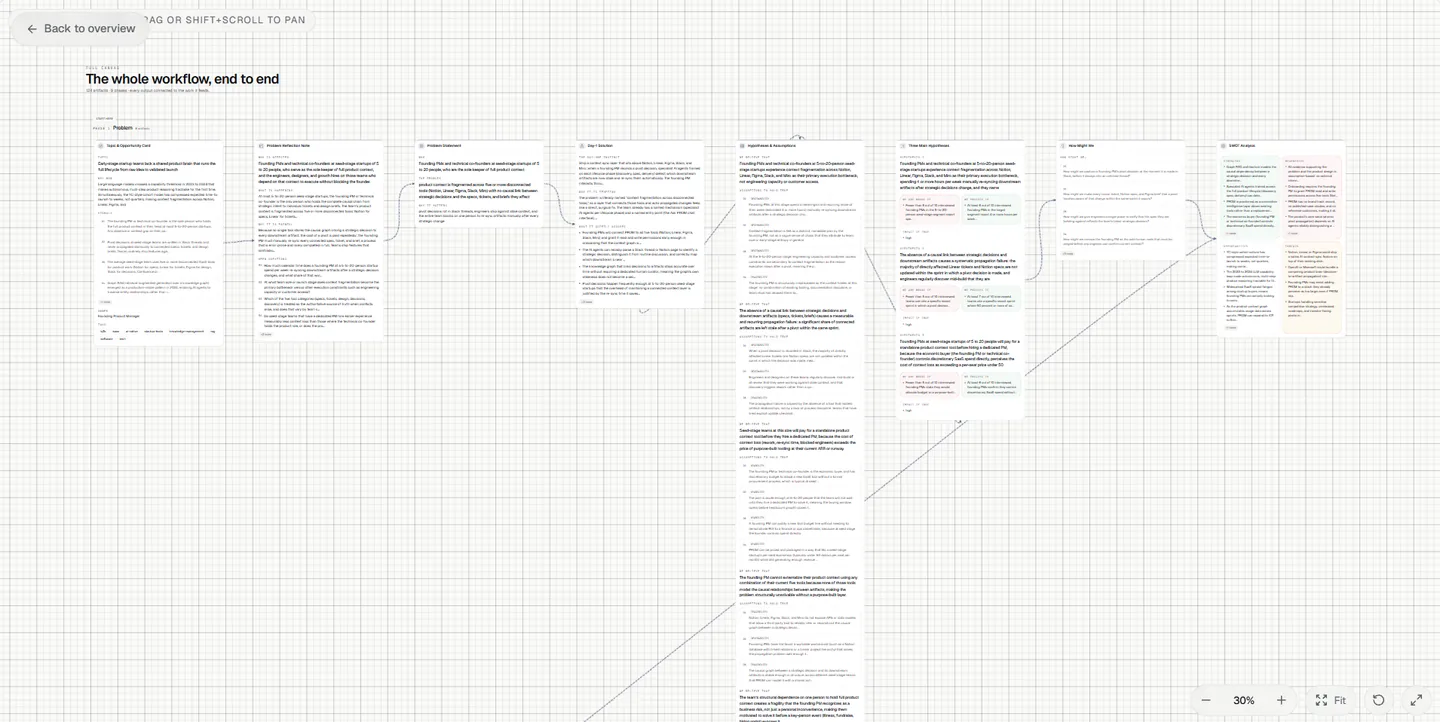
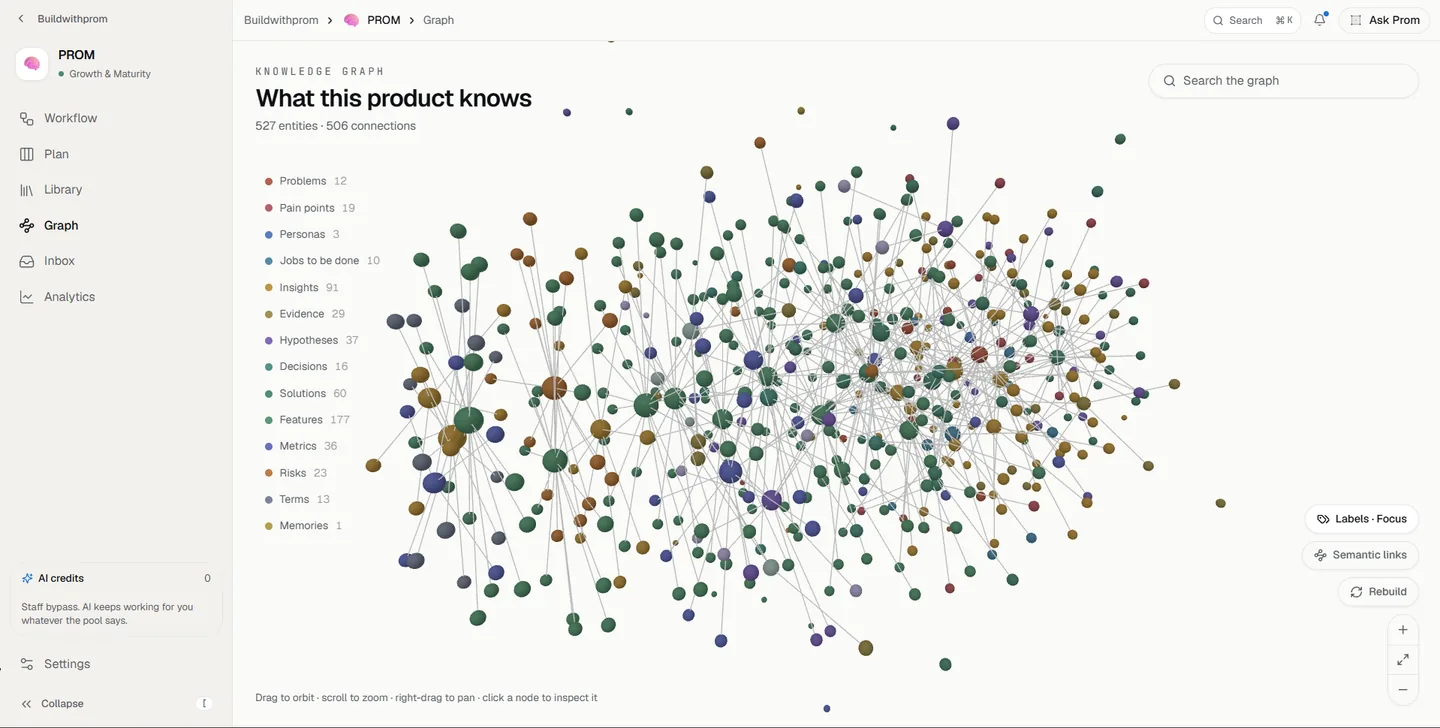
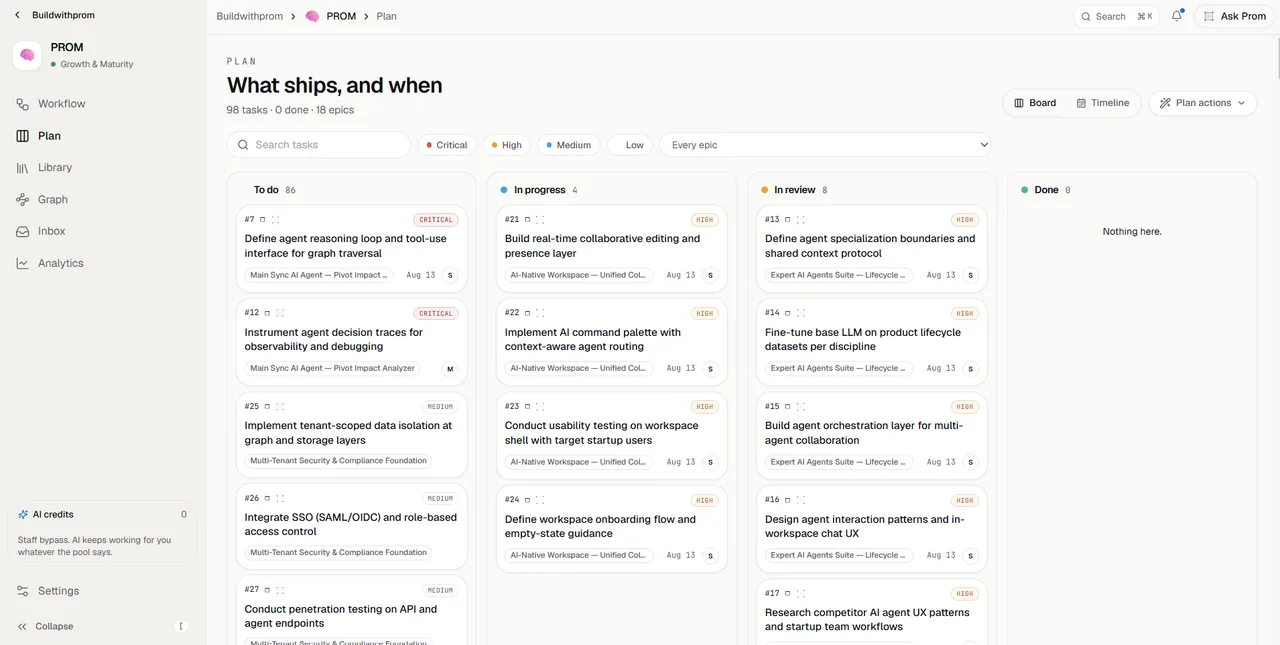
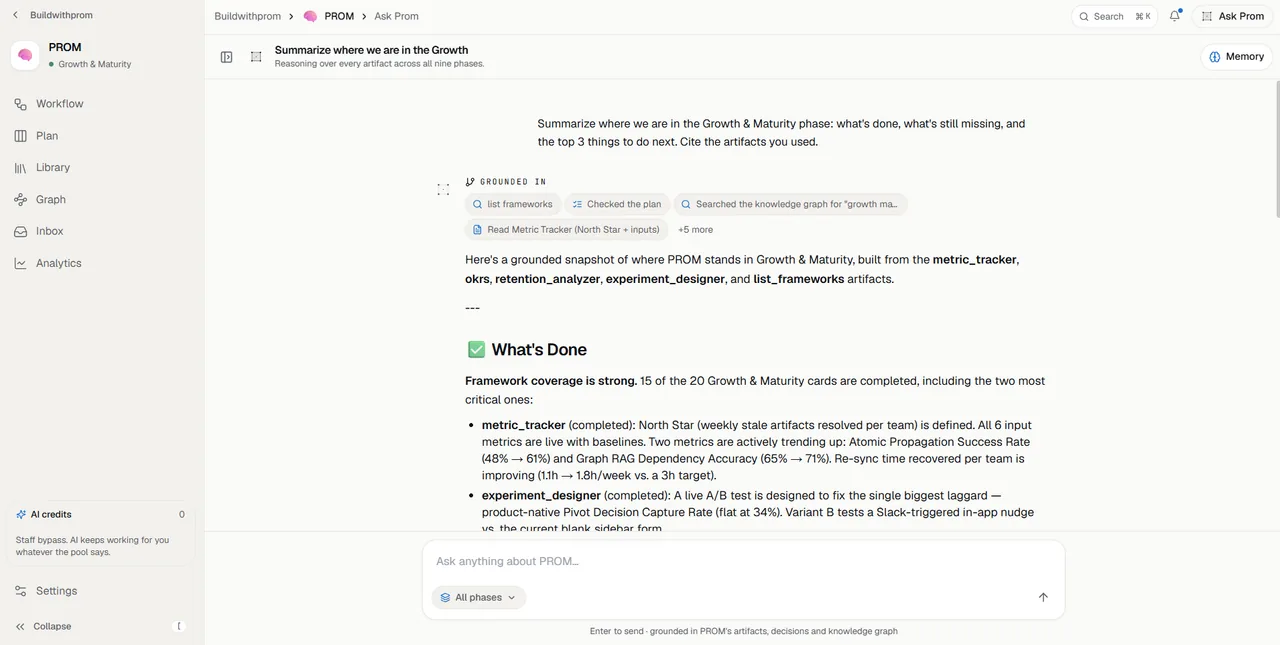
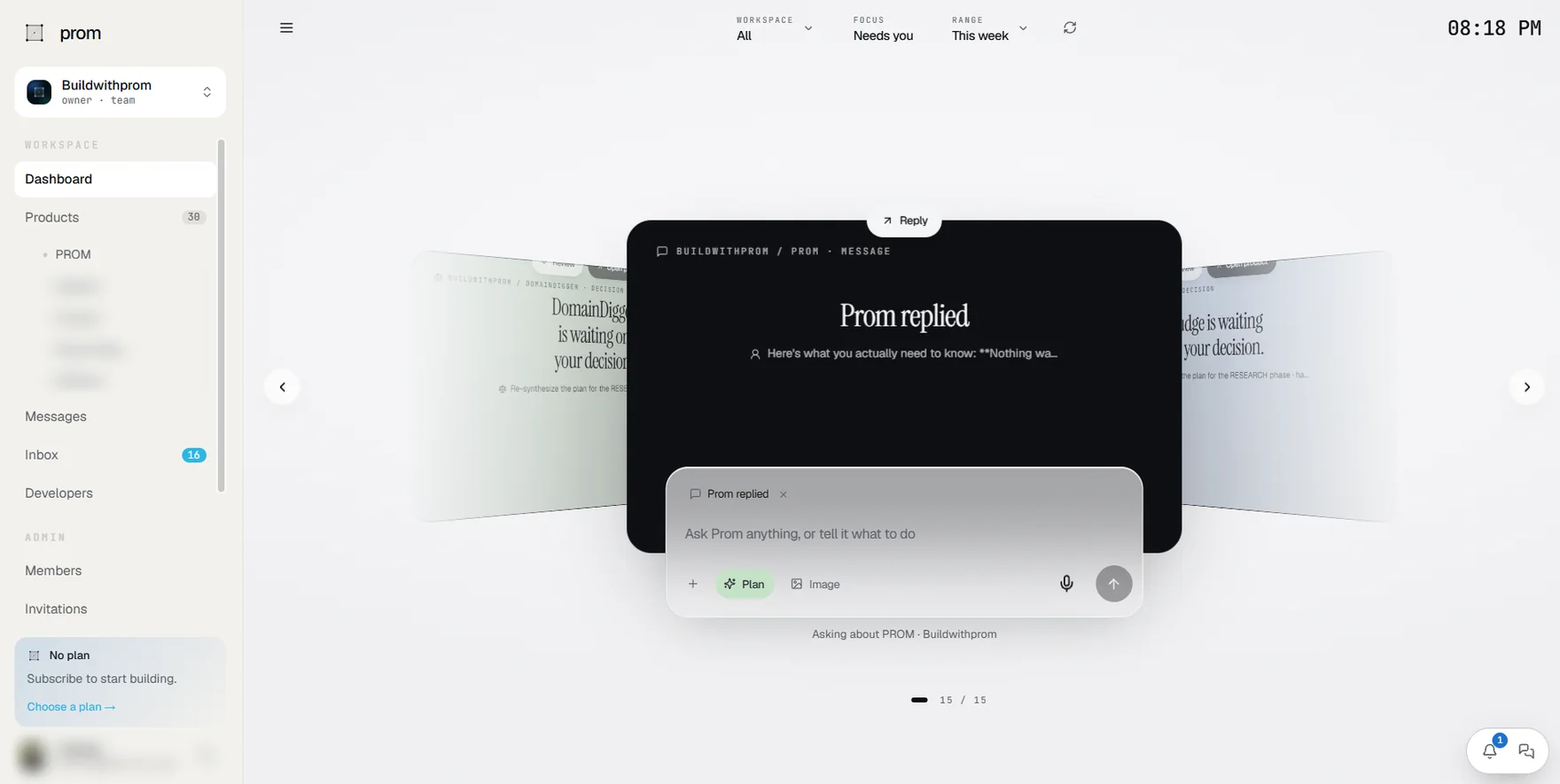
Plans, tasks and decisions in one place. With an assistant that has read all of it.

The product canvas
The knowledge graph
The plan board
Ask Prom
The workspace dashboard

02 · Privacy and GDPR

Each workspace is walled off. AI agents see only what you can see.

PROM never trains models on your workspace, and acts as your processor under GDPR.

Staff consoleNo content access
Your workspace
Specs
Decisions
Roadmap
ResearchPrivate
No access
You
Same access as you
Assistant
  • Encrypted in transit
  • No content in PROM logs
Model provider
Audit logAppend-only
  1. 10:38Maya added you to Specs
  2. 10:39Maya added Sam to Research
  3. 10:40Maya made Research private
  • 01

    Walled off per workspace

    Every record belongs to one workspace. Every request is checked against the signed-in person's workspace and role.

  • 02

    Same access as you

    The assistant works with your permissions. Private products stay private, from people and from AI.

  • 03

    No training on your work

    PROM never trains models on your workspace. AI logs keep usage and cost, never your prompts or answers. Voice is transcribed in memory, then discarded.

  • 04

    Encrypted

    Traffic to PROM uses TLS. Tokens for connected tools and your own AI keys are sealed with AES-256-GCM.

  • 05

    Hidden from staff tools

    The PROM staff console cannot open your content or sign in as you.

  • 06

    Your rules

    Choose how much the AI may do on its own, from suggest-only to autopilot, or switch it off. Admin and security actions land in an append-only log you can review.

GDPR
  • Data Processing Addendum under the EU GDPR and UK GDPR
  • Standard Contractual Clauses for international transfers
  • Countersigned DPA and subprocessor list on request
  • Deleted workspaces are removed after a 30-day restore window
Security details

03 · What it is

One system from idea to launch. And every cycle after it.

01

Drafts itself in the background

PROM works through the workflow one phase at a time. Every run stays inside a credit ceiling you set.

02

Starts from a short interview

A new product begins with a few questions, and PROM asks only what it still needs. Or import your website or documents and start there.

03

One assistant on every page

Ask by text, voice or attachment, from anywhere in the workspace. It reads your whole product before it answers.

04

Remembers why

Everything connects in a knowledge graph that builds itself live as you work. Months later it can still tell you why a decision was made.

Launch opens the next cycle. PROM starts it with what the last one learned.

04 · Built for

Solo to enterprise. The same operating system, scaled.

Start alone in a personal workspace. Invite a second person and it becomes a team, with nothing to migrate. Enterprises add verified domains, join policies and an append-only audit log.

01 · solo

Founders building alone.

One workspace, one seat. The assistant drafts each phase with you, from the problem statement to the launch checklist.

1 seat · personal workspace
02 · startup

Early-stage teams in motion.

Specs, tasks and decisions share one workspace. New hires start from context that already exists.

5-20 people · shared specs
03 · team

Product orgs with depth.

Run several products in one workspace. The roadmap sorts itself by what is in progress, and blocked work names what it is waiting on.

multiple products · roadmap
04 · enterprise

Companies that need control.

Verified company domains, roles and permissions, an audit log and a DPA. PROM never trains models on your workspace.

verified domains · DPA · audit log

05 · Talk to us

See it with your own product. 30 minutes, your calendar.

Pick a time below and we'll walk through PROM with whatever you're building.

30 minutes · live

What you'll see.

  • 01
    Live walk-throughWe open the workspace and walk through the graph, the assistant and the specs with your roadmap in mind.
  • 02
    Your stack, mappedSee where PROM fits alongside the tools you already use.
  • 03
    Pricing & rolloutPricing, timeline and rollout questions such as data residency, migration and security review.
Prefer to write first?Send us a message instead →
Book a slotOpen in new tab ↗

06 · Why now

Plans that keep themselves current.
A team that stays in sync.

PROM updates the plan as the work moves, and records why each decision was made.

Start buildingSign in
prom

The AI-native operating system for product development.

PROM Software Systems, Inc. is a Delaware corporation. PROM, this website and the services on it are owned and operated by PROM Software Systems, Inc. Your use of them is governed by our Terms of Service and the laws of the State of Delaware, United States, except where the law of your country gives you protections that cannot be waived.

product
  • Features
  • System
  • Workflows
  • Why PROM
  • Pricing
  • Changelog
resources
  • Docs
  • API reference
  • Brand
  • Status
company
  • About
  • Blog
  • Careers
  • Contact
legal
  • Terms
  • Privacy
  • Cookies
  • Security
  • DPA
© 2026 PROM Software Systems, Inc. All rights reserved.